Feature
A calculator keypad that feels mechanical
Every key in Calcurate is drawn as a real keycap and plays a real switch recording. It is a small thing you will notice every time you add up a bill.
What makes the keypad feel real?
- Real switch recordings. Key sounds are recordings of actual mechanical switches (CC0 licensed), with separate down and up strokes, and a deeper sound for the big
=key. - Fires on the way down. Like a real switch, the key acts as it travels down, not when you lift your finger, so fast typing keeps up.
- Low-latency audio. A dedicated audio engine plays each click instantly.
- Haptics. A light tap on every key press on phones.
Drawn like a real keycap
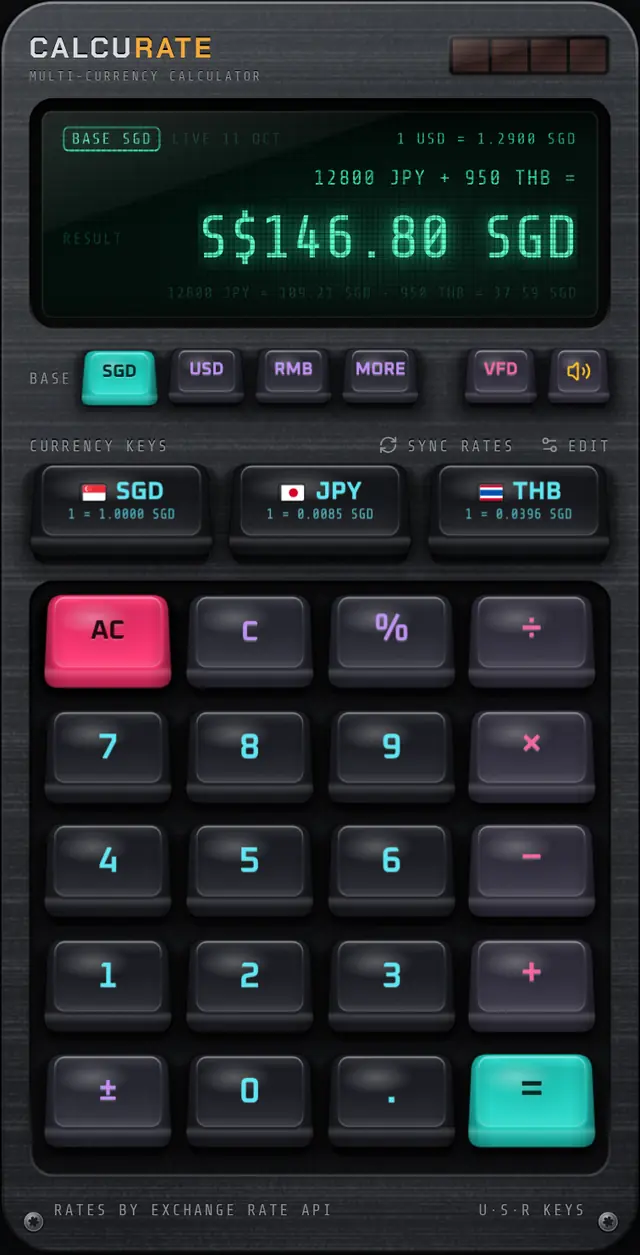
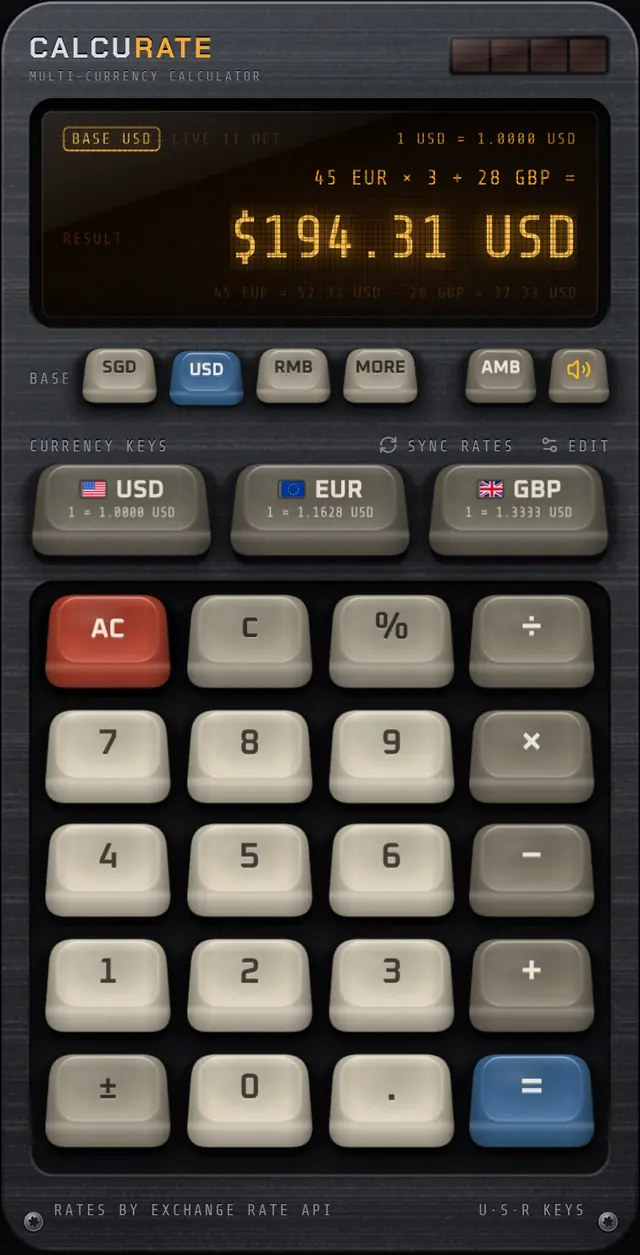
Each key has a tapered skirt, a dished top, plastic grain, rim highlights and a contact shadow. Keys drop into the housing as you press and spring back on release. The chassis around them is brushed aluminium with screws, a solar strip and recessed wells.
Fast typing stays smooth: each finger is tracked separately and the key animation runs on the UI thread, so rapid entries stay smooth.
Prefer silence?
Tap the speaker key next to the display tint key to mute sounds. Your choice is remembered. Want to know why switch sounds are so satisfying? Read why mechanical keyboards sound good.
FAQ
Mechanical keypad: common questions
Can I turn off the key sounds?
Yes. Tap the speaker key on the keypad to mute or unmute. Haptic taps on phones are separate from sound.
Are the sounds real recordings?
Yes. Calcurate uses recordings of real mechanical keyboard switches released under CC0, trimmed and level-matched, with separate press and release sounds.
Related guides
Why Do Mechanical Keyboards Sound Good? The Science of Thock
Why do mechanical keyboards sound good? Switch type, keycap plastic, the case and the down and up strokes all shape the sound. Here is how each part works.
27 Aug 2026 · 6 min readKeyboards & designKeycap Profiles Explained: Cherry, SA, OEM and Low Profile
Keycap profiles explained simply: how Cherry, OEM, SA and low profile caps differ in height and shape, plus PBT vs ABS plastic and what doubleshot legends mean.
17 Sep 2026 · 5 min readKeyboards & designVacuum Fluorescent Display: How VFDs Work and Why They Glow
A vacuum fluorescent display glows when electrons strike phosphor in a vacuum tube. See how VFDs work, why calculators used them, and how they compare to LCD.
5 Oct 2026 · 5 min readMore features
Multi-currency maths
Calcurate lets you add, subtract, multiply and take percentages of amounts in different currencies in one sum,…
Live exchange rates
Daily mid-market rates from ExchangeRate-API, a European Central Bank fallback and an offline mode. Calcurate …
Keycap Studio
Hold any key in Calcurate for 3 seconds to pull its keycap, then swipe through 6 keycap sets: Calcurate, Termi…
Home screen widgets
Calcurate widgets show exchange rates on your iPhone or Android home screen, and the large widget has a number…
Display tints
Switch Calcurate’s display between a glowing emerald vacuum-fluorescent (VFD) look, warm amber phosphor and a …
Download
Your next trip deserves a better calculator.
Mix currencies in one sum, see every conversion, and enjoy pressing the keys. Calcurate is on the App Store and Google Play.