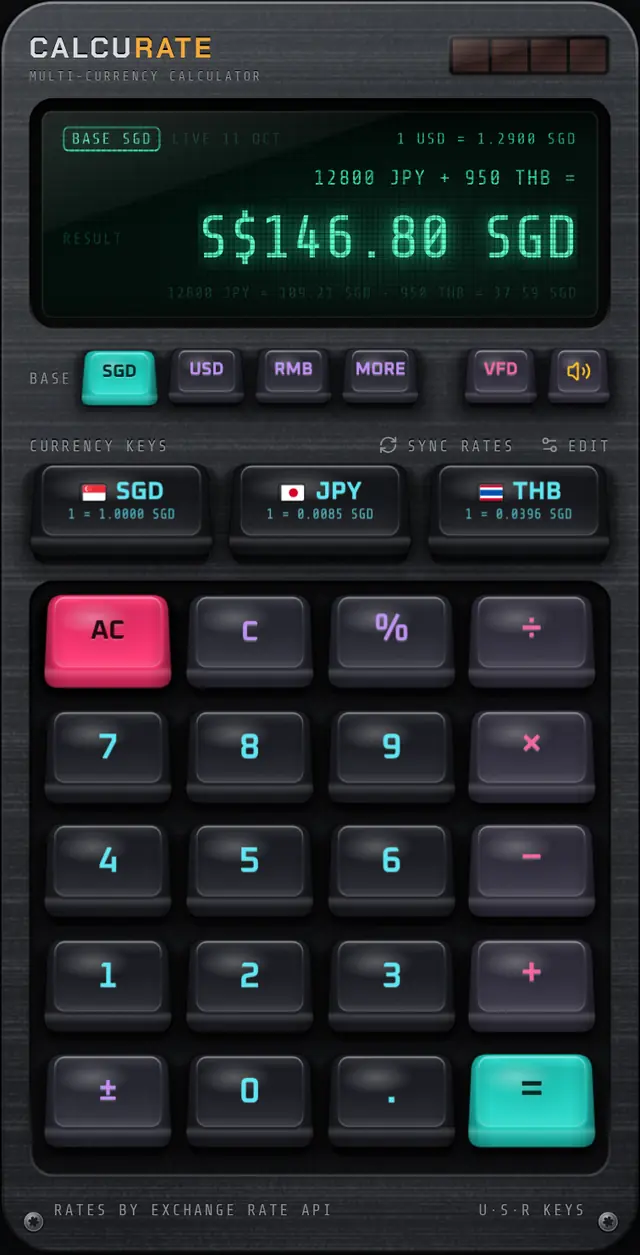
Feature
Add different currencies in one calculation
Tag each amount with its currency, mix them freely with + − × ÷ and %, and press equals for one answer in the currency you think in. Every conversion is shown, so you can check the working.
How to add amounts in different currencies
Pick your base currency
Tap SGD, USD or RMB in the BASE row, or MORE to cycle through EUR, GBP, JPY, AUD, CAD, HKD, CHF, THB and MYR. Answers appear in this currency.
Type the first amount and tap its currency
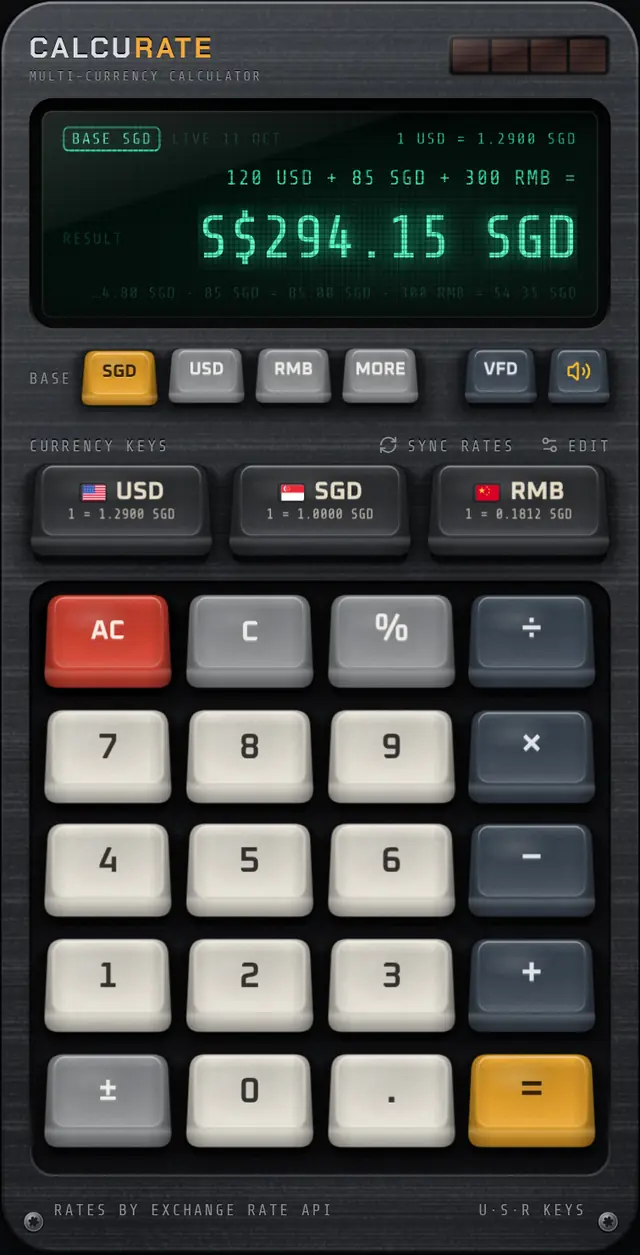
For example type 120, then tap the USD currency key. The display shows 120 USD.
Add the next amount in another currency
Tap +, type 85 and tap SGD. Then + 300 RMB. Plain numbers work too, for example × 3.
Press equals
Calcurate converts each amount to the base currency at the current rate, adds everything up and shows the breakdown line under the answer.
How does multi-currency maths work?
Every amount you type can carry a currency tag. When you press =, Calcurate converts each tagged amount into your base currency at the current rate, then evaluates the whole expression with normal operator precedence (× and ÷ before + and −).
Example uses illustrative rates of 1 USD = 1.29 SGD and 1 USD = 7.12 RMB.
The breakdown line underneath shows each conversion, for example 120 USD ≈ 154.80 SGD · 300 RMB ≈ 54.35 SGD, so you can see exactly how the answer was built.
Tag before or after the number
Tap a currency key after typing an amount (120 then USD) or before it (USD then 120). If you tagged the wrong one, tap another currency key straight away and the amount is retagged: 120 USD becomes 120 SGD in one tap.
Multiply, divide and use percentages
Plain numbers act as plain numbers, so quantities and splits behave the way you expect.
Percent works like a desk calculator, which is what you want for tax, service charge, tips and discounts:
200 + 10%= 220 (add 10%)200 − 15%= 170 (take 15% off)80 × 25%= 20 (25% of 80)
Change your mind about the base currency
With an answer on screen, tap a different base currency and the result is recalculated instantly. Tag a dinner bill with its currency (for example 2400 THB), then tap USD or SGD as the base to see what it means at home. Only tagged amounts are reconverted: plain numbers always count as the current base currency. Press an operator after = to carry the answer forward into the next calculation.
Quick currency keys
A row of up to three currency keys sits above the keypad (USD, SGD and RMB by default). Tap EDIT to choose any three of the 15 supported currencies. Each key shows a flag and its live rate against your base currency, such as 1 = 1.2900 SGD, so you get a rate check every time you look at the keypad.
See the full list on the currencies page.
FAQ
Multi-currency maths: common questions
Can a calculator add USD and EUR together?
Yes, if it converts each amount first. In Calcurate you tag each amount with its currency, for example 50 USD + 40 EUR, and the app converts both to your base currency at the current rate before adding them.
What currency is the answer shown in?
The base currency you choose. SGD, USD and RMB have their own keys; the MORE key cycles through EUR, GBP, JPY, AUD, CAD, HKD, CHF, THB and MYR. Change it while an answer is on screen to see the result in another currency.
How does percent work in Calcurate?
Like a desk calculator. 200 + 10% gives 220, 200 − 15% gives 170, and 80 × 25% gives 20. This makes tax, tips, service charges and discounts quick to work out.
How many currencies can I use in one calculation?
The keypad has up to three quick currency keys at a time, chosen from 15 supported currencies, plus your base currency. Plain numbers count as the base currency.
Related guides
How to Add Different Currencies Together (With Examples)
To add different currencies together, convert every amount into one currency first, then add. Worked examples, rounding rules and a faster way to do it.
6 Jul 2026 · 6 min readTravel moneyHow to Split a Bill in Different Currencies (Step by Step)
To split a bill in different currencies, convert every expense into one settle-up currency, divide, then net off what each person paid. Full worked example.
20 Jul 2026 · 5 min readTravel moneyHow to Calculate Tax and Tip Abroad (Plus Sale Discounts)
Learn to calculate tax and tip abroad: VAT and GST inclusive prices, sales tax added at the till, service charges, stacked discounts, with worked examples.
21 Sep 2026 · 7 min readMore features
Live exchange rates
Daily mid-market rates from ExchangeRate-API, a European Central Bank fallback and an offline mode. Calcurate …
Mechanical keypad
Calcurate’s keypad uses real mechanical switch recordings, keys that fire on the way down and haptics, so ever…
Keycap Studio
Hold any key in Calcurate for 3 seconds to pull its keycap, then swipe through 6 keycap sets: Calcurate, Termi…
Home screen widgets
Calcurate widgets show exchange rates on your iPhone or Android home screen, and the large widget has a number…
Display tints
Switch Calcurate’s display between a glowing emerald vacuum-fluorescent (VFD) look, warm amber phosphor and a …
Download
Your next trip deserves a better calculator.
Mix currencies in one sum, see every conversion, and enjoy pressing the keys. Calcurate is on the App Store and Google Play.