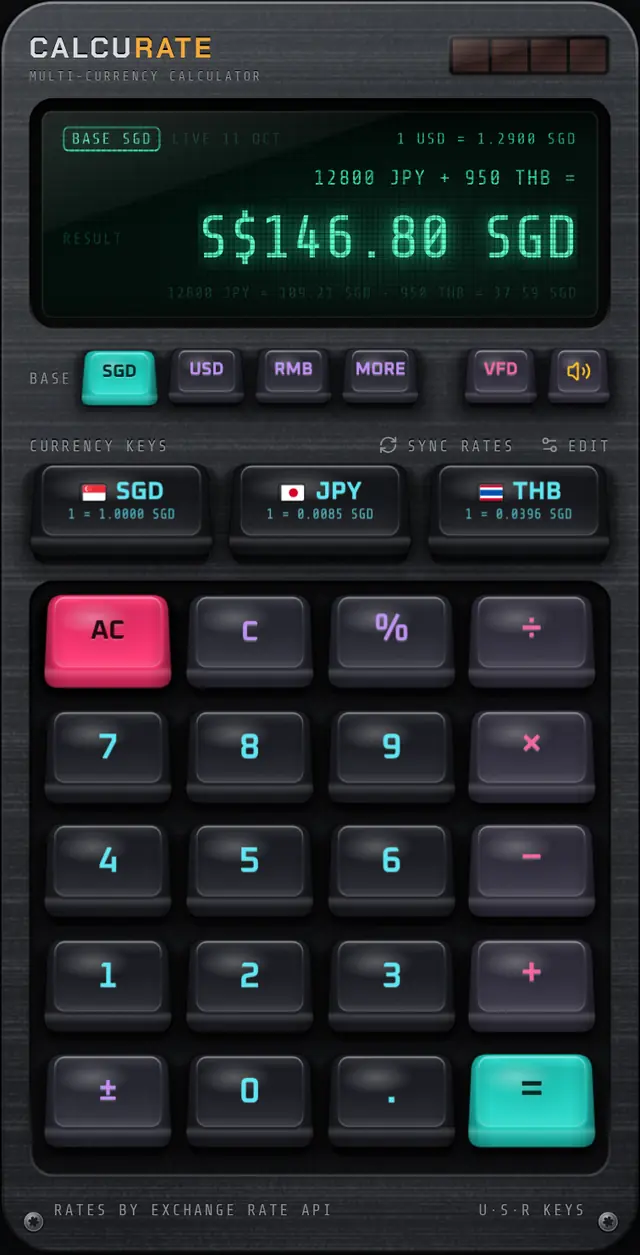
Feature
VFD, amber or LCD: pick your display
Three display styles inspired by classic calculators and hi-fi gear. Each sits behind glass with a fine mesh and glow. Tap the display key to switch.
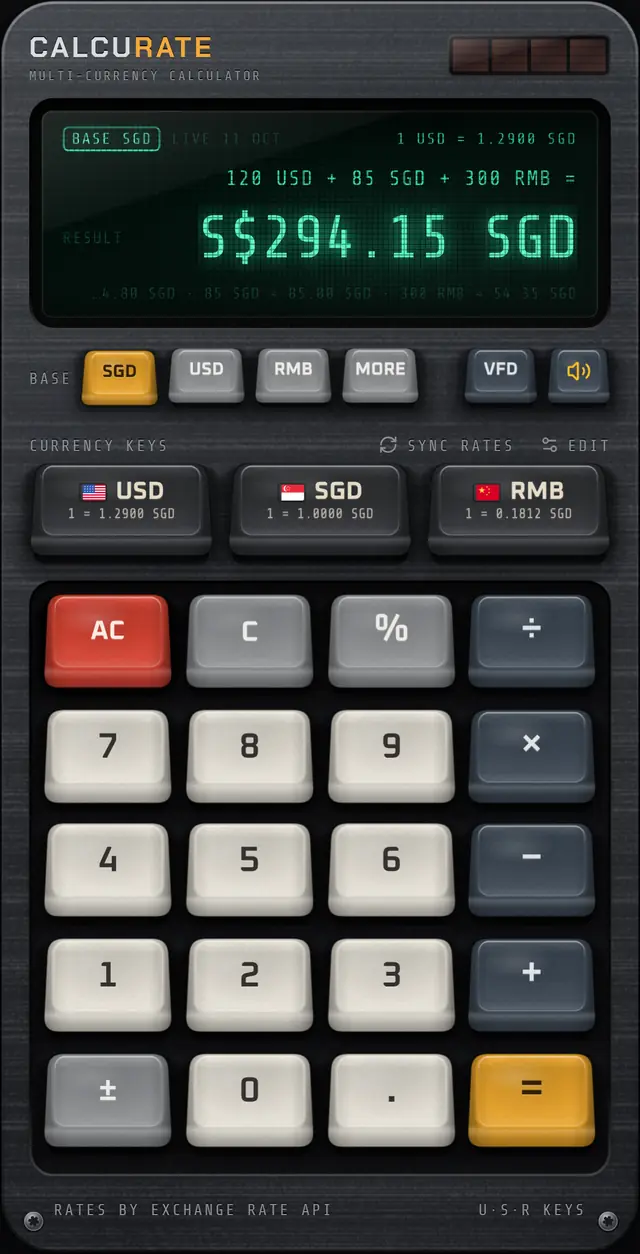
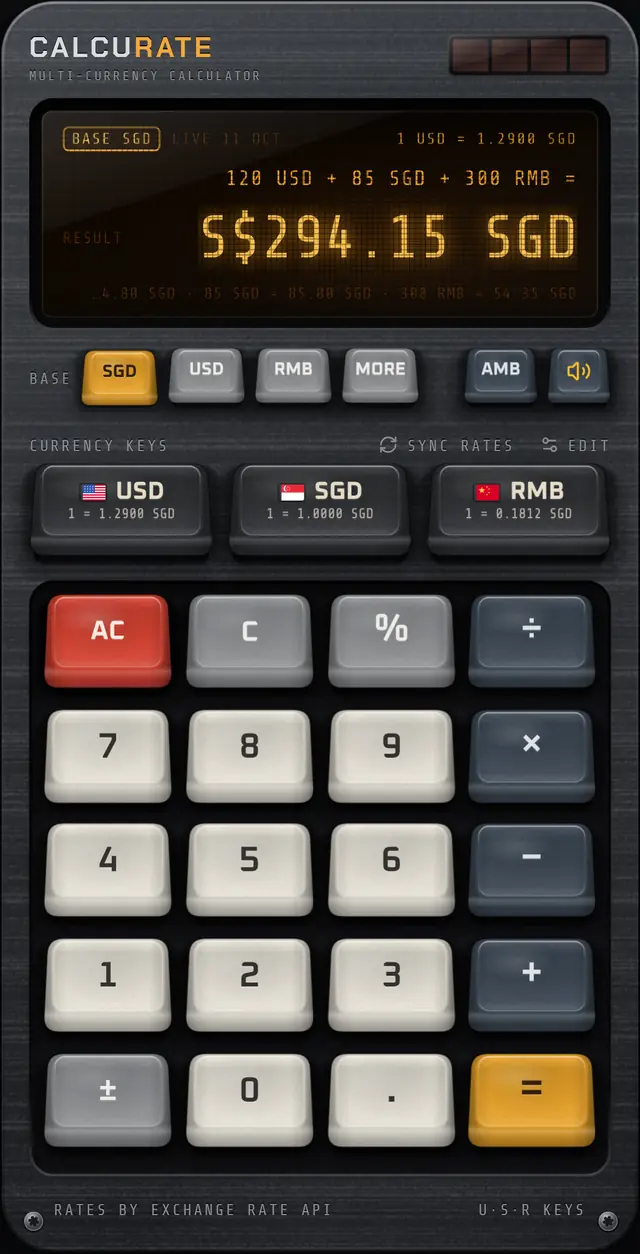
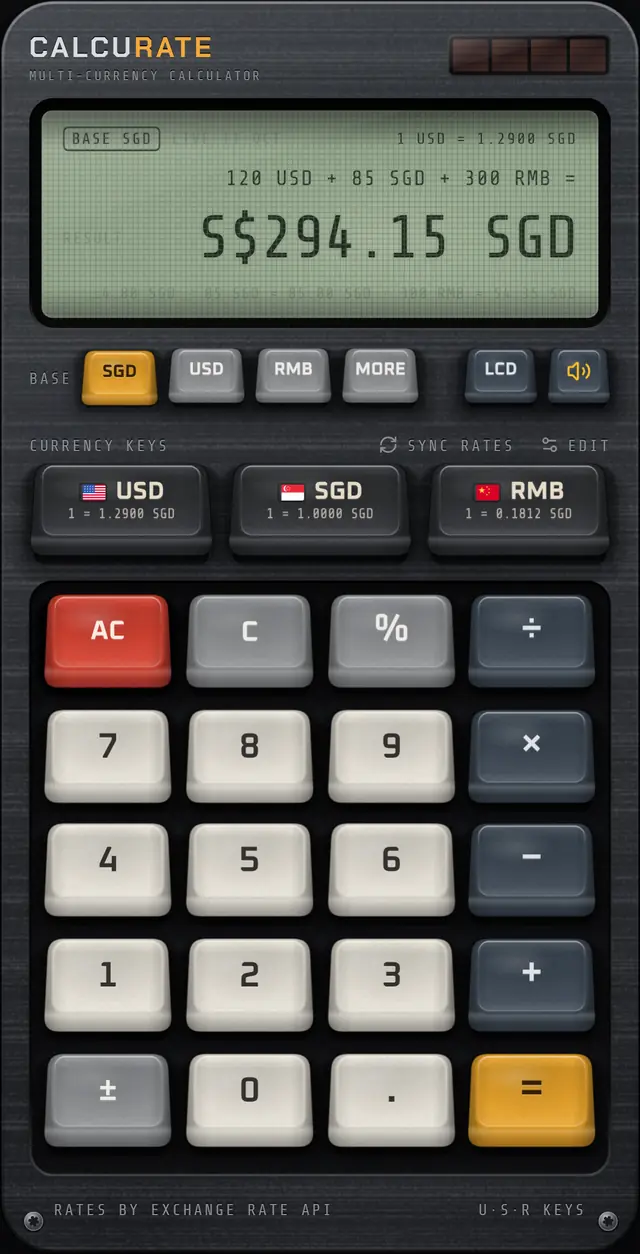
The three tints
- VFD: the emerald glow of a vacuum-fluorescent display, with soft bloom around each character.
- AMB: warm amber phosphor, easy on the eyes at night.
- LCD: classic grey-green liquid crystal with dark segments, the look of a pocket calculator in daylight.
The display holds a lot: your base currency, the rate source and date, a 1 USD = … rate line, the equation, the answer and a breakdown of every conversion.
Why vacuum-fluorescent?
VFDs were common in desk calculators, car dashboards and audio equipment because they are bright and readable from wide angles. Their glow is a big part of why old gear feels warm. Read the short history of the vacuum fluorescent display.
FAQ
Display tints: common questions
How do I change the display colour in Calcurate?
Tap the display key (labelled VFD, AMB or LCD) next to the mute key. Each tap cycles to the next tint and your choice is saved.
Related guides
Vacuum Fluorescent Display: How VFDs Work and Why They Glow
A vacuum fluorescent display glows when electrons strike phosphor in a vacuum tube. See how VFDs work, why calculators used them, and how they compare to LCD.
5 Oct 2026 · 5 min readKeyboards & designKeycap Profiles Explained: Cherry, SA, OEM and Low Profile
Keycap profiles explained simply: how Cherry, OEM, SA and low profile caps differ in height and shape, plus PBT vs ABS plastic and what doubleshot legends mean.
17 Sep 2026 · 5 min readKeyboards & designWhy Do Mechanical Keyboards Sound Good? The Science of Thock
Why do mechanical keyboards sound good? Switch type, keycap plastic, the case and the down and up strokes all shape the sound. Here is how each part works.
27 Aug 2026 · 6 min readMore features
Multi-currency maths
Calcurate lets you add, subtract, multiply and take percentages of amounts in different currencies in one sum,…
Live exchange rates
Daily mid-market rates from ExchangeRate-API, a European Central Bank fallback and an offline mode. Calcurate …
Mechanical keypad
Calcurate’s keypad uses real mechanical switch recordings, keys that fire on the way down and haptics, so ever…
Keycap Studio
Hold any key in Calcurate for 3 seconds to pull its keycap, then swipe through 6 keycap sets: Calcurate, Termi…
Home screen widgets
Calcurate widgets show exchange rates on your iPhone or Android home screen, and the large widget has a number…
Download
Your next trip deserves a better calculator.
Mix currencies in one sum, see every conversion, and enjoy pressing the keys. Calcurate is on the App Store and Google Play.